1
Create your account
Go to the registration page, enter your name, email, and a password. We send a verification email — click the link to confirm.
From zero to a live booking link in five steps.
Go to the registration page, enter your name, email, and a password. We send a verification email — click the link to confirm.
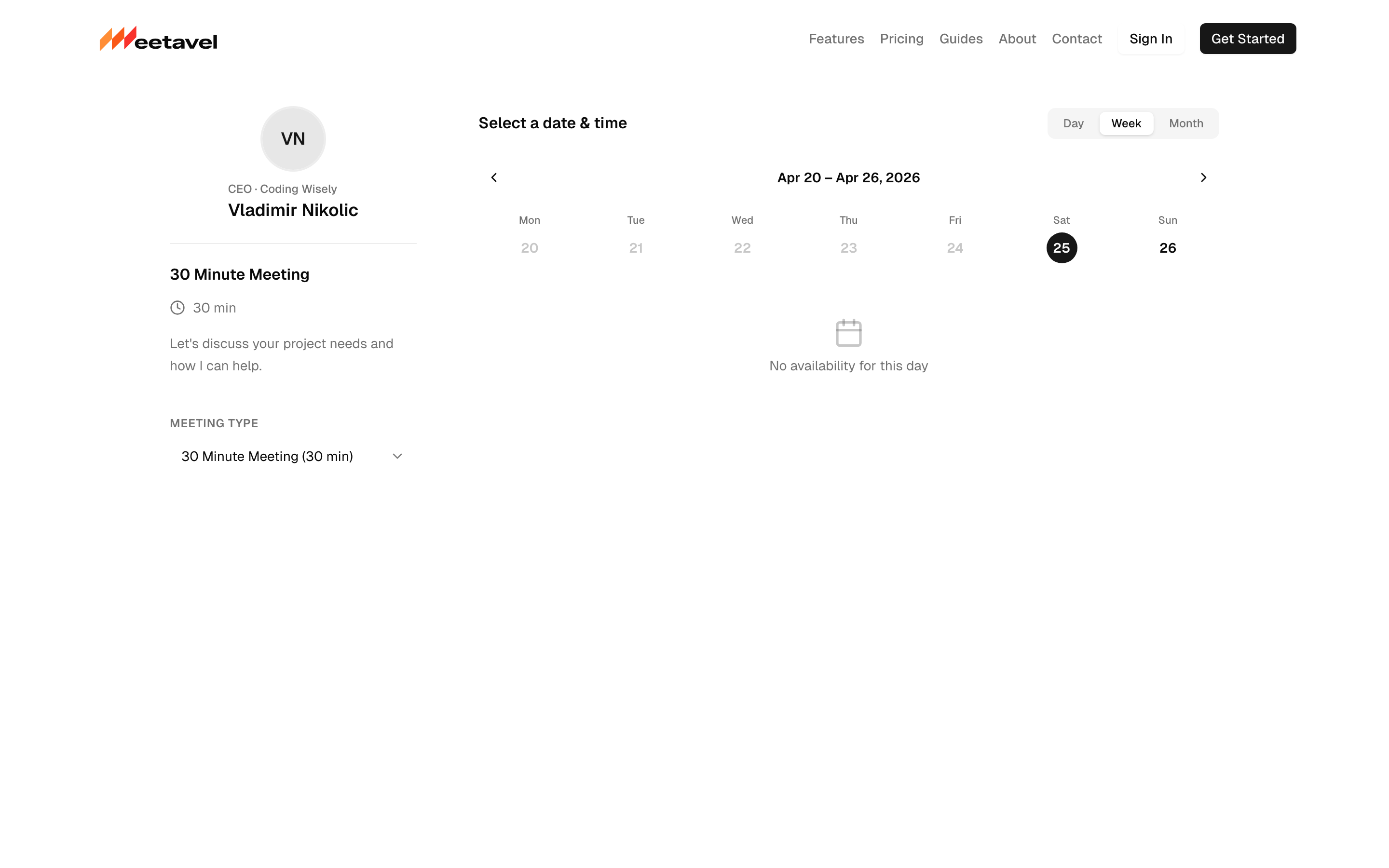
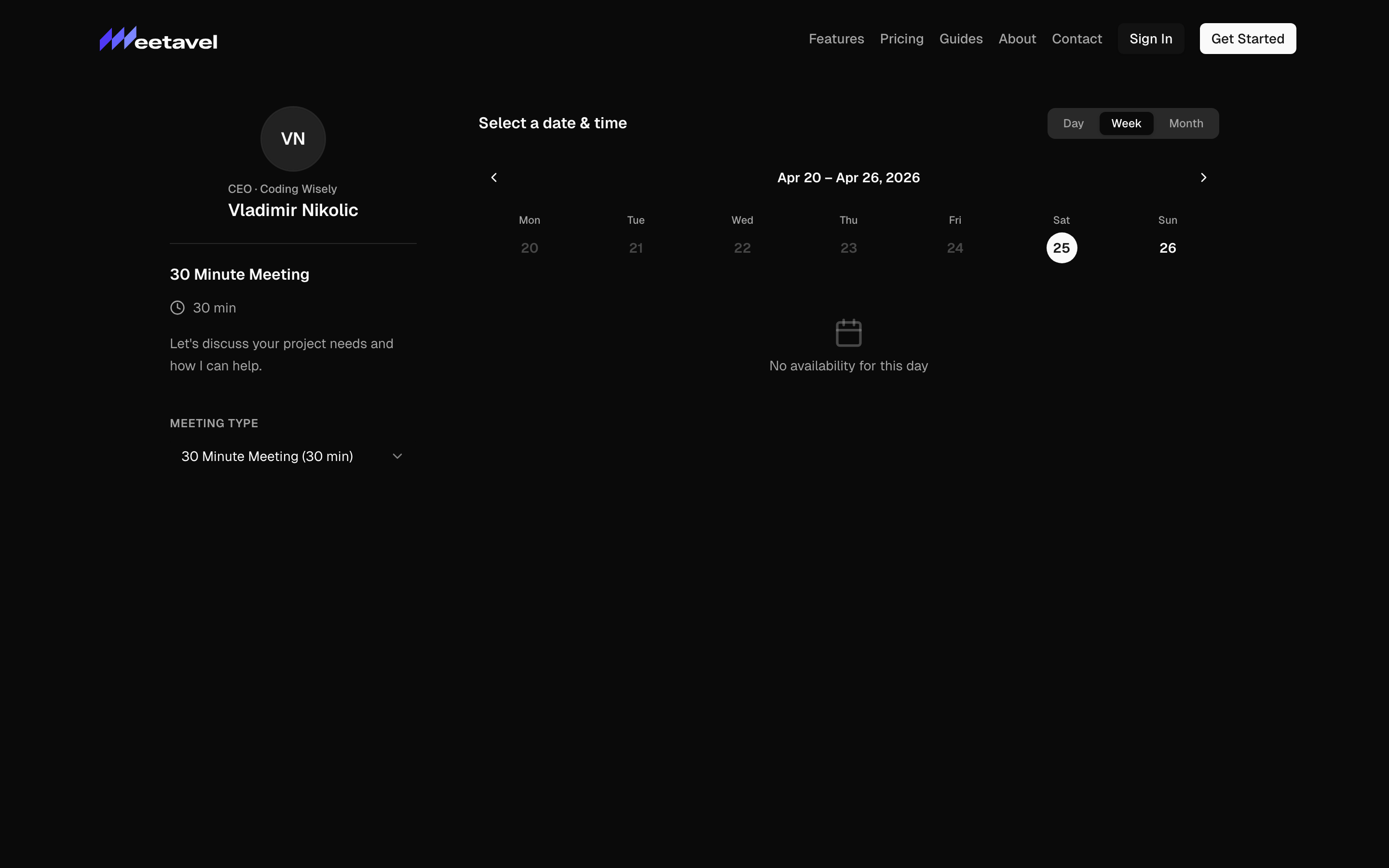
Onboarding step 1: pick the slug that becomes your booking link (meetavel.com/v/your-name). Add a short bio so guests know who they're booking.
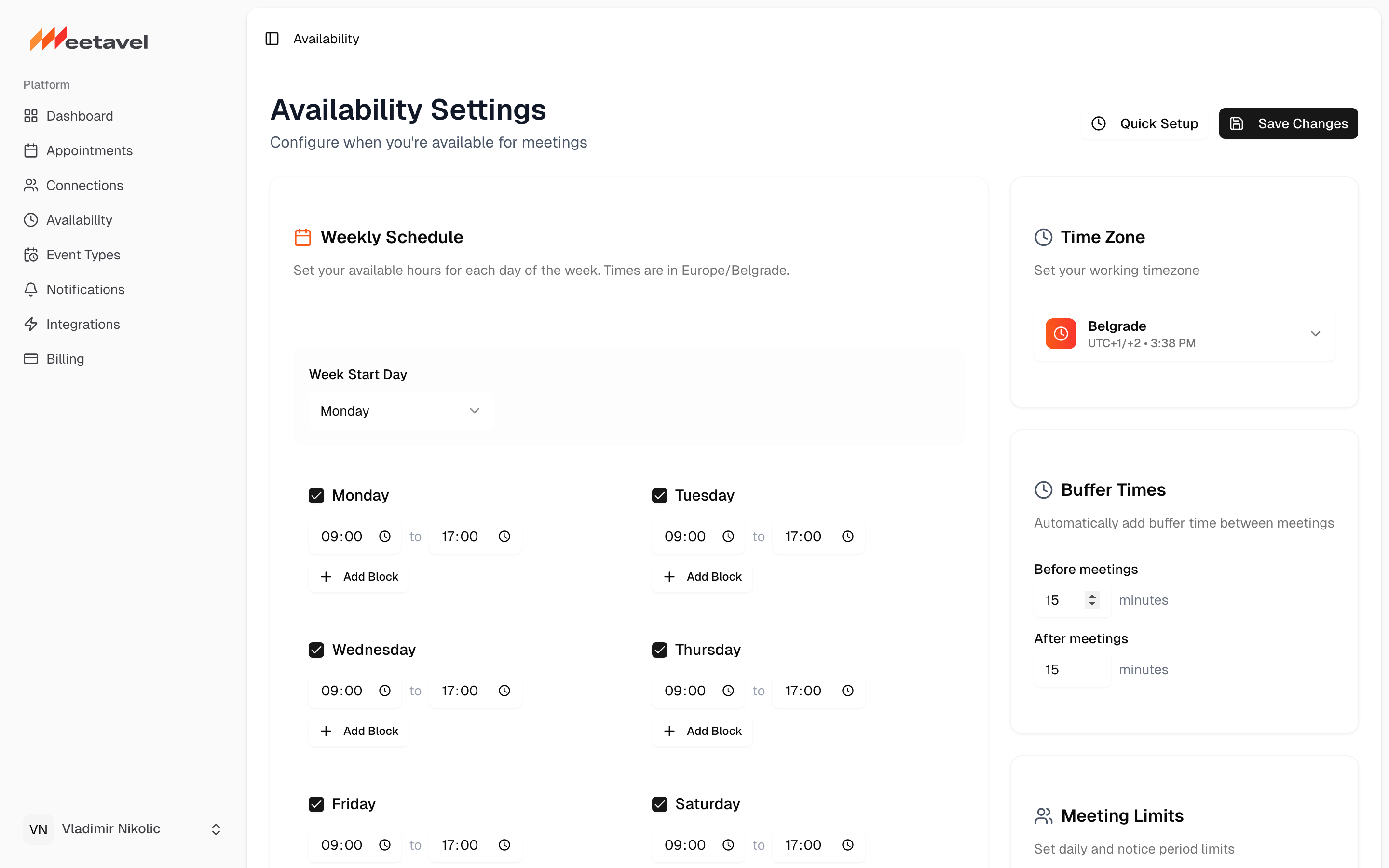
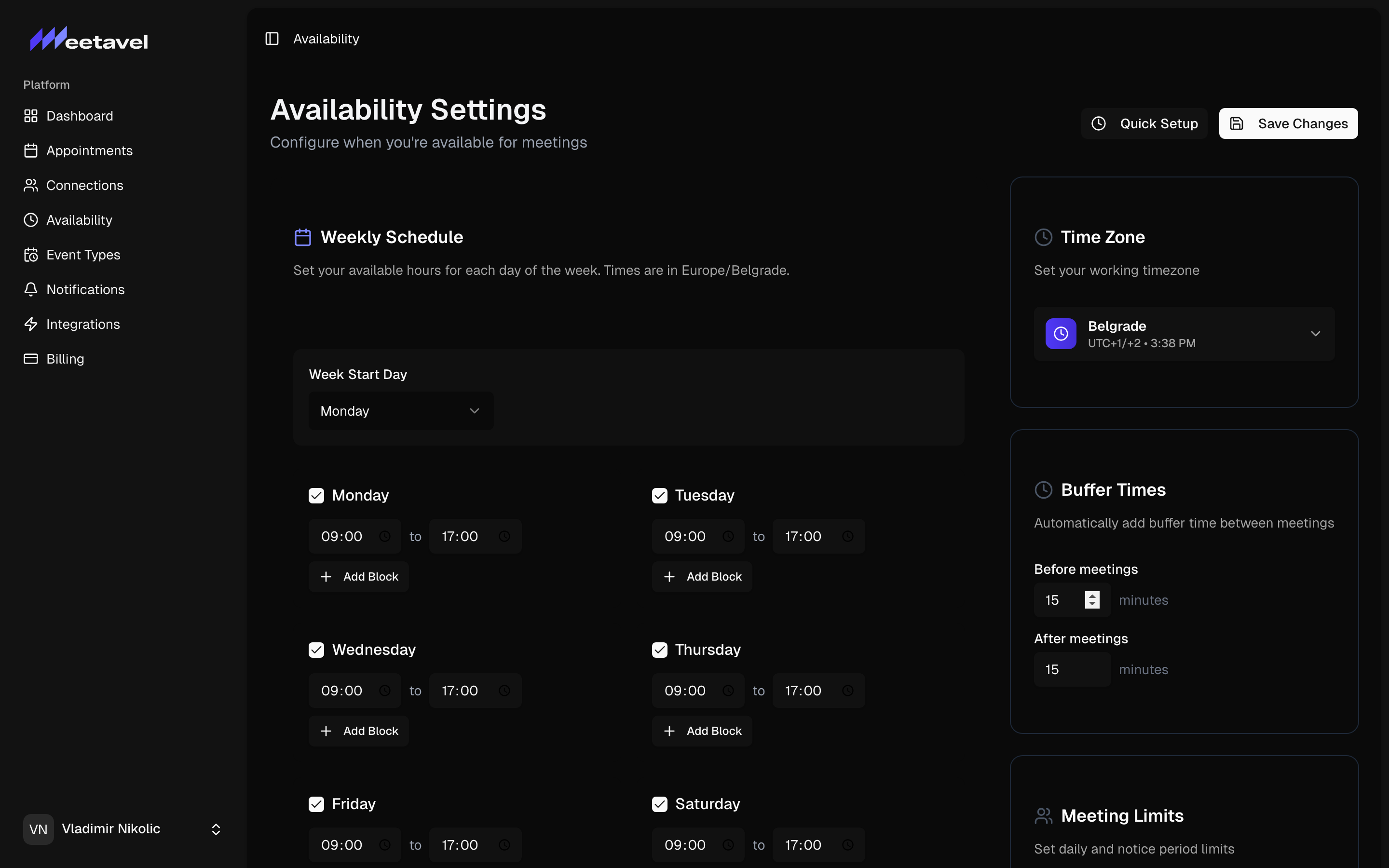
Step 2: pick your time zone, then check the days and hours you're open for meetings. We default to weekdays 9–5; tweak as needed.
Step 3: name the meeting type (e.g. "30-min intro"), choose a duration. You can add more later.
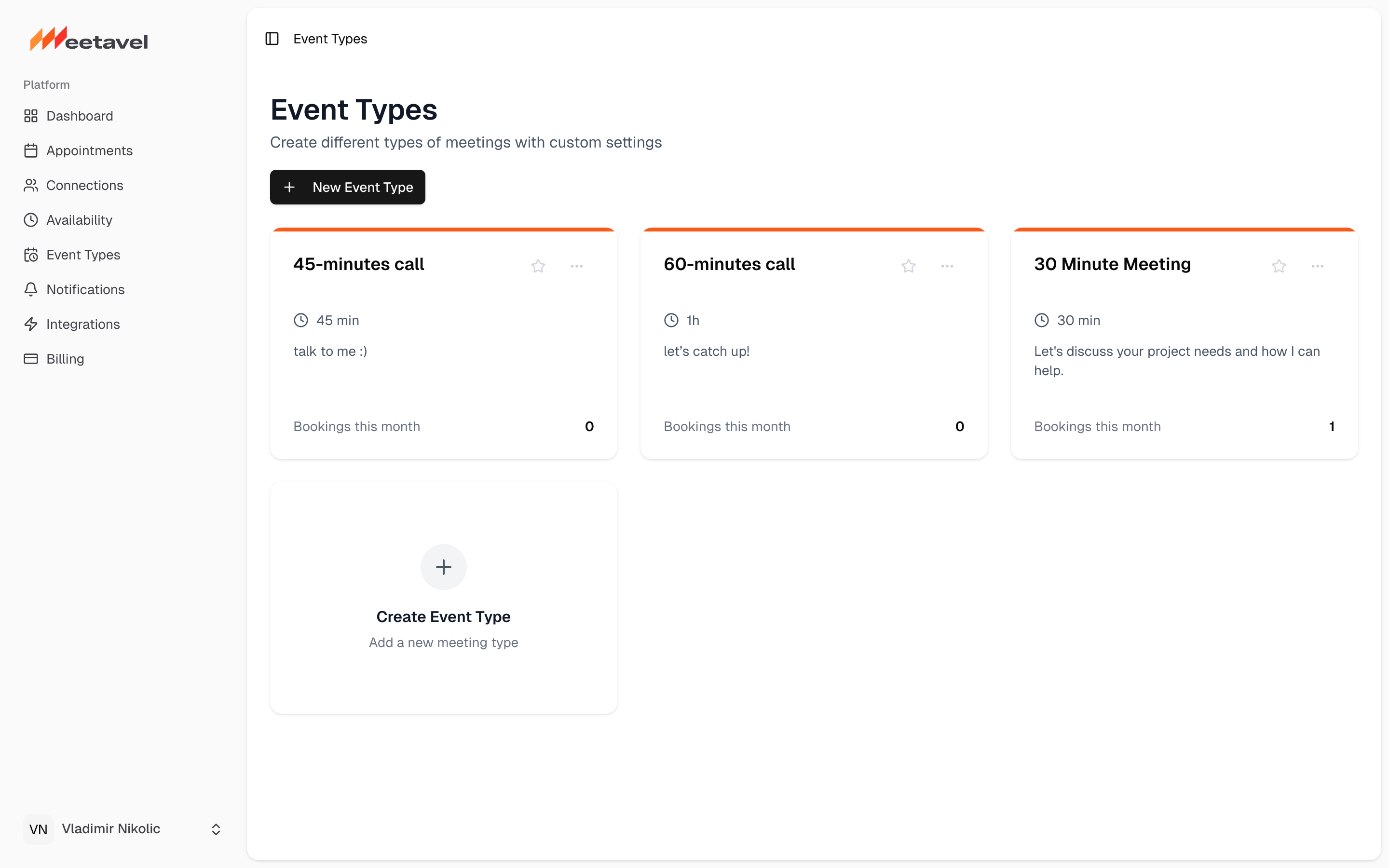
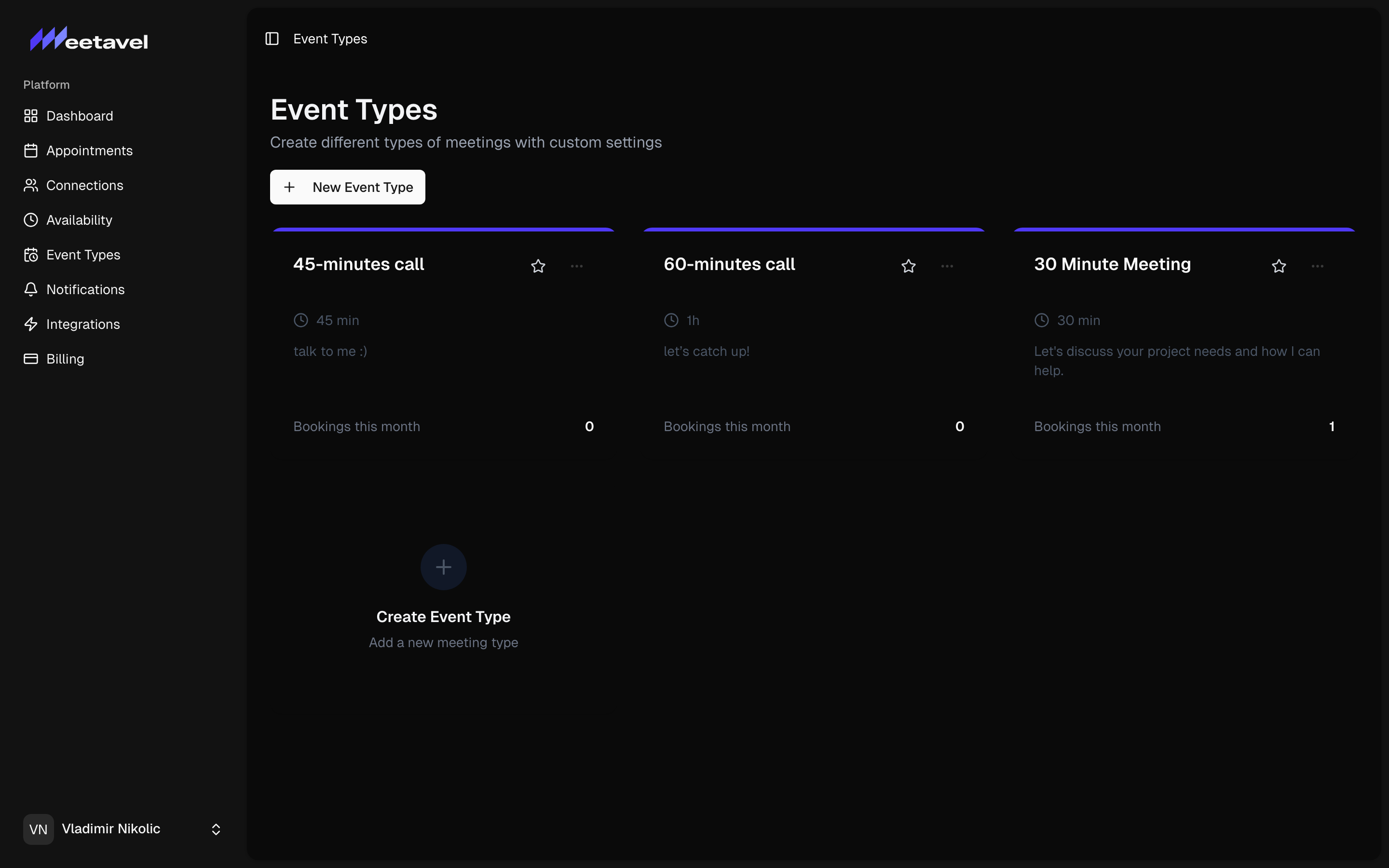
You're live. Copy the URL meetavel.com/v/{your-username} and drop it in your email signature, your bio, or send it directly. Guests pick a slot in their local time and you're done.